

Loomkeepers
The people you choose to receive your folders when the time comes. Pick one or more per folder — everything inside goes to those Loomkeepers.
Choose your Loomkeepers
Securely prepare the things you want your loved ones to receive, and Loomkeeper will make sure they reach the right people when the time comes.
Store what matters in the Vault, and choose the Loomkeepers who'll receive it when you're gone. Afterlife Messages works independently, letting you send personal notes on your own schedule.
The people you choose to receive your folders when the time comes. Pick one or more per folder — everything inside goes to those Loomkeepers.
Choose your LoomkeepersOne-way cold storage for documents, photos, login credentials, and anything else you'd hate to lose. Organize into folders, set who receives each one.
Explore the VaultRecord video, audio or written messages and choose exactly when they're delivered — on a specific date, an anniversary, or a year after you're gone.
Schedule a messageUpload once, organize into color-coded folders, and forget about it. Files are written once, encrypted on your device, and held in a hardened storage region you choose.
Cloud storage is built for sharing, indexing and constant access. A vault is the opposite — encrypted before it leaves your device, sealed in cold storage, and unreachable by any service, scraper or AI agent. Including ours.
Files are encrypted on your device using industry-standard cryptography and held behind multiple isolated layers of protection. There is no single system an attacker can break to reach them.
No public link, no shareable preview, no API endpoint. There’s no public surface for scrapers to discover or reach.
Your files are ciphertext to us. They can’t be parsed, fed into a model, or used to improve any service — ours or anyone else’s.
The vault is write-once. Even with stolen credentials, an attacker can’t pull files out — there’s no download endpoint to abuse.
Loomkeepers receive your digital assets. Verification contacts confirm when the time has come. Both work quietly in the background until they're needed.

Assign different folders to different people. Update the list any time — nothing is sent until your verification contacts confirm.

Trusted contacts vote on a death inquiry before anything is released. Multi-signature consent prevents accidental or premature handover.
Record video, voice or written messages for the people you love — and choose precisely when each one arrives. Birthdays, anniversaries, milestones, or simply "a year from now."
Send on an exact day — a birthday, a wedding anniversary, the year a child turns 18. Not sent if you're still alive.
Schedule"Their birthday, the year after I'm gone." Loomkeeper handles the timing — you focus on the message.
ScheduleSix months, one year, five years after you're gone. Perfect for messages that should land after the initial grief.
ScheduleLoomkeeper is engineered to be paranoid. Your files are encrypted before they leave your device, stored in a cold one-way vault, and only ever released after multi-party confirmation.
Industry-standard client-side encryption with multiple layers of protection — engineered so no single system holds the keys to your files.
Nothing is unlocked until your verification contacts confirm.
Pick a GDPR-compliant region. Your data, your jurisdiction.
Write-once. Files cannot be modified after upload.
Your Vault is a subscription — keep storing as long as you need it. Afterlife Messages are a standalone service, billed once per message. No subscription required for either to work alongside the other.
Encrypted cold storage for your digital content. Start free, upgrade when you need more room.
A first look — plenty for a small handover.
For anyone who takes their legacy seriously.
No subscription needed. Pay once per scheduled message — it sits encrypted until its delivery rule fires, then it’s sent.
If you can't find what you're looking for, our support team replies within a day.
Loomkeeper is a blend of heirloom and keeper — the people you choose to receive and look after your digital content. You can assign different Loomkeepers to different folders, files or messages, so each thing reaches exactly the right person.
We recommend keeping the roles separate — it’s best not to set the same person as both a Loomkeeper and a verification contact. Verification contacts decide whether your content is released; Loomkeepers are the ones who receive it. Keeping those circles distinct preserves the multi-party check that protects you.
People you trust to confirm your passing when the time comes. We recommend adding at least 2–3 contacts — they need to sign up so we have their details on file, but that’s it. We will not contact them until it’s actually required. No onboarding emails, no marketing, no nudges, no “just checking in” messages. They live quietly in your account until the day they’re needed.
They become involved in two situations: (1) we reach out to them if we suspect you may have passed away and need to start a death inquiry, or (2) they log in to the application themselves to report you as deceased, which initiates an inquiry. Either way, the inquiry requires multiple confirmations before anything is released — one person can’t act alone.
A death inquiry can be initiated in one of two ways:
The inquiry flow. First, we try to reach you by email several times and give you a 60-day window to confirm you’re alive — one click is enough. If we hear nothing during those 60 days, we then notify your verification contacts and open a 7-day vote. At the end of the vote, the inquiry concludes that you’re either alive or deceased.
A sign of life ends the inquiry instantly. At any point during the inquiry — including during the verification-contact vote — if we receive a sign of life from you, the entire process is stopped immediately and your account returns to normal.
Record a video, voice note or written message, choose a single recipient, then pick one of three delivery rules:
Messages are encrypted at rest and only released after your verification contacts confirm. Recipients can watch or read the message in the browser and download a copy to their device. The message is automatically deleted from our servers 30 days after delivery.
You do, always. Your files are encrypted before they ever leave your device and sit in cold storage that no one can casually access — not even us. The only exception is a designated data officer at Loomkeeper, who can act on your files solely in a genuine emergency, under strict internal controls. We never access your data for advertising, AI training, or anything else. It stays untouched in the vault until it's time to release it to your recipients.
No. Loomkeeper isn't a law firm, and we don't provide legal advice. We're here to keep your documents safe and make sure they reach the right people — not to replace a lawyer. For anything with legal weight, like wills or powers of attorney, talk to a licensed attorney where you live.
No. The Vault preserves and delivers your files exactly as you uploaded them, but it doesn't execute, notarize, or validate anything. If a document needs to be legally binding — a will, a deed, a power of attorney — it has to go through the proper legal process in your jurisdiction first. Loomkeeper just makes sure it doesn't get lost.
Your data is deleted for eternity. There's no recovery window, no backup copy sitting somewhere waiting to be restored. Once it's gone, it's gone.
In the unlikely event Loomkeeper shuts down, we'll restore access to your cold storage for 30 days so you can download your files before anything else happens. After that window, your data is deleted for eternity — not transferred, not sold, not handed off to anyone else.
Behind every file and folder is a life — the people, places and small ordinary days you'd want remembered exactly as they were.
 Adventures shared
 Quiet moments
 Winters together
 Love stories
 Things you teach
 Journeys taken
 Everyday joy
We didn't start Loomkeeper because of a crisis. We started it because of a birthday. Turning 50 has a way of changing how you think about time. Not in a dark way — just an honest one. You start noticing how much of what matters to you now lives somewhere only you can reach: crypto wallet keys that exist in exactly one place because sharing them felt too risky, important documents and account details that a family member might need one day but has no way to find, and photos of grandparents and great-grandparents that exist nowhere else — not printed, not backed up, just sitting in cloud storage or scattered across accounts that nobody else knows about.
None of it is necessarily going to disappear because of some dramatic event. It can disappear in a much quieter way — because nobody knew it existed, where to look for it, or who it was meant for. That's why we built Loomkeeper: to give the digital things that matter to you a secure place outside your everyday digital life, and a way to make sure they reach the people you choose when the time comes. Not as a response to tragedy, but as a plan made while there's still plenty of time to make one. Because some things are too important to leave to chance.
— Israel Olcha, Founder
Loomkeeper started with a simple question: what happens to the digital things that matter to us when we're no longer around to manage them?
Israel Olcha and Agy Mishel built Loomkeeper to create a thoughtful answer — combining decades of technology experience with design, creativity, and a very human understanding of what we want to preserve.
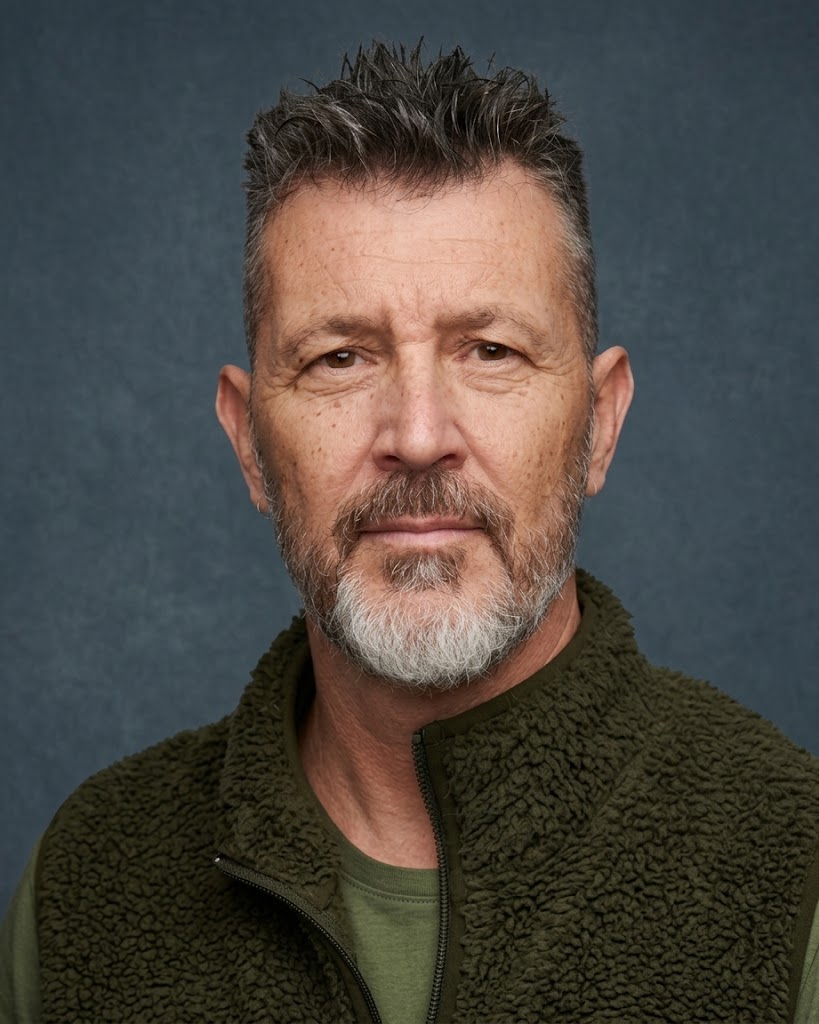
A software builder and technical leader with 30+ years of experience turning ideas into products.
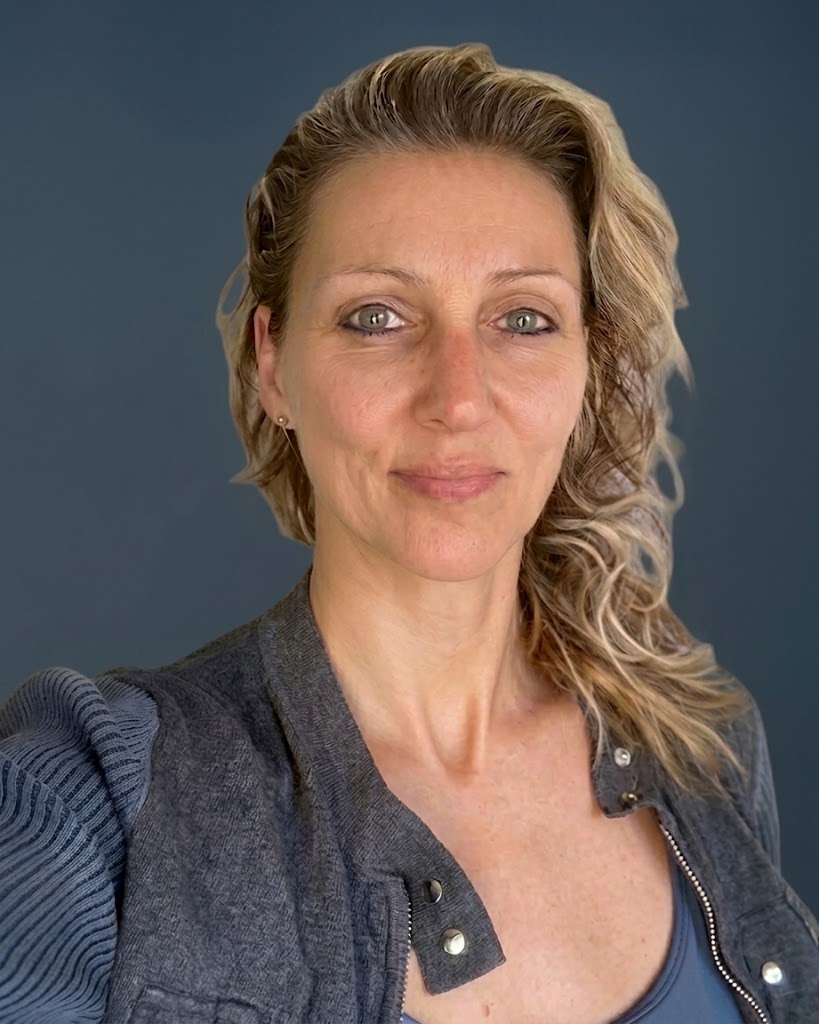
Leads the brand, UX/UI and creative direction, shaping how people experience Loomkeeper.

Turns ideas and designs into a simple, intuitive Loomkeeper experience.
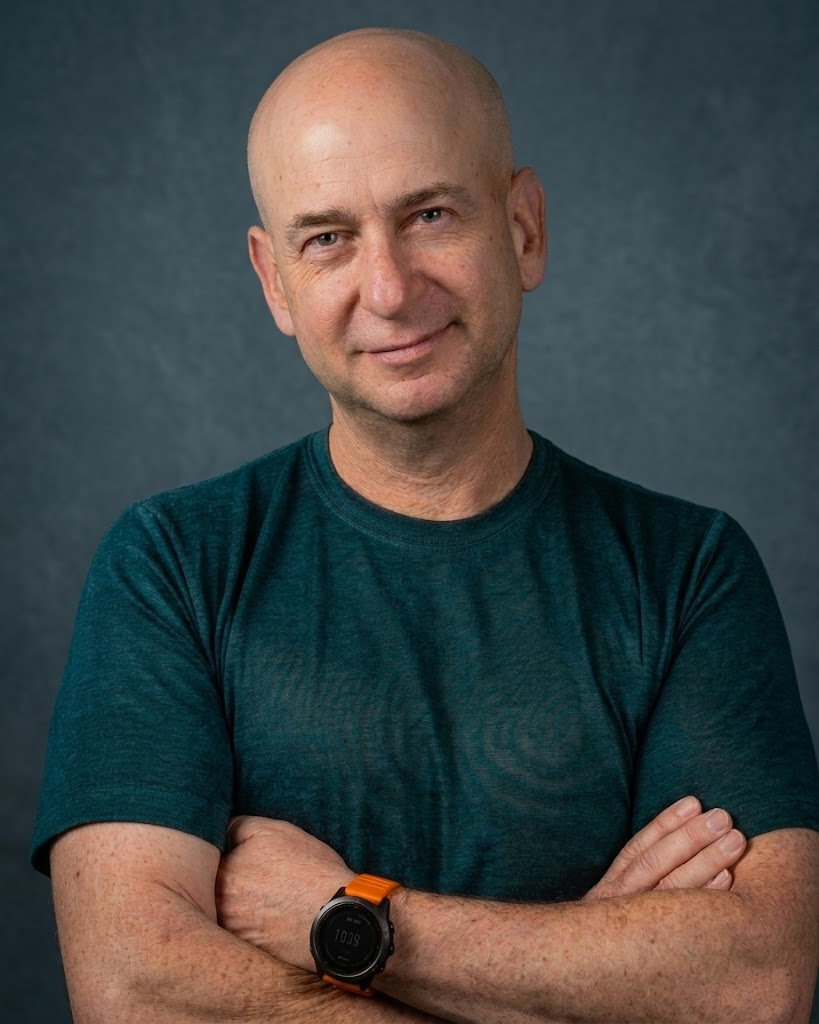
Explores how AI can make the digital legacy experience more personal and meaningful.
Set up your vault in under five minutes. Free to start — no card required.